Getting started

Two ways to get your EucBuddy.

Pick the compact Stick S3 or give your ride a bigger screen with T-Display. Both bring you the same EucBuddy telemetry, ride history and MyBuddy companion. Choose your hardware, get a licence, and install EucBuddy in your browser.

An EucBuddy on its lanyard, screen glowing with a pixel-art heart
Get one today

Your EucBuddy, in three simple steps.

The same three steps work for either device. Worldwide preprogrammed bundles are still on the way; for now, install EucBuddy yourself with a USB cable and your browser.

  1. Step 1

    Pick your device

    Get the preassembled M5Stick-S3, or choose T-Display-S3 and its matching battery. Fit the T-Display battery before moving on.

    Select and order your device ↓
  2. Step 2

    Unlock your lifetime licence

    One licence per device, one payment, lifetime updates. Your purchase supports EucBuddy's ongoing development.

    Buy lifetime licence →
  3. Step 3

    Flash it in your browser

    Plug your device into your computer, choose its board and firmware in the web flasher, then follow the prompts to activate your licence and install EucBuddy.

    Open the web flasher →
After your purchase, your activation code is sent to your email. It usually arrives within a few minutes. If it's not there after 20 minutes, please check your spam folder — it likes to hide there. Still nothing? Just message us on Facebook with your order number and we'll sort you out right away.
Consider charge monitoring. With a Tasmota smart plug, bought separately, EucBuddy can watch your wheel charge and switch the charger off at the level you choose. What the plug needs ↓
Choose your hardware

Small and ready. Or a little more screen.

We've tested both setups with EucBuddy, so you can skip the guesswork. Buy the parts through our links, follow the simple setup steps, and you're ready to bring your Buddy along for the ride.

Preassembled hardware
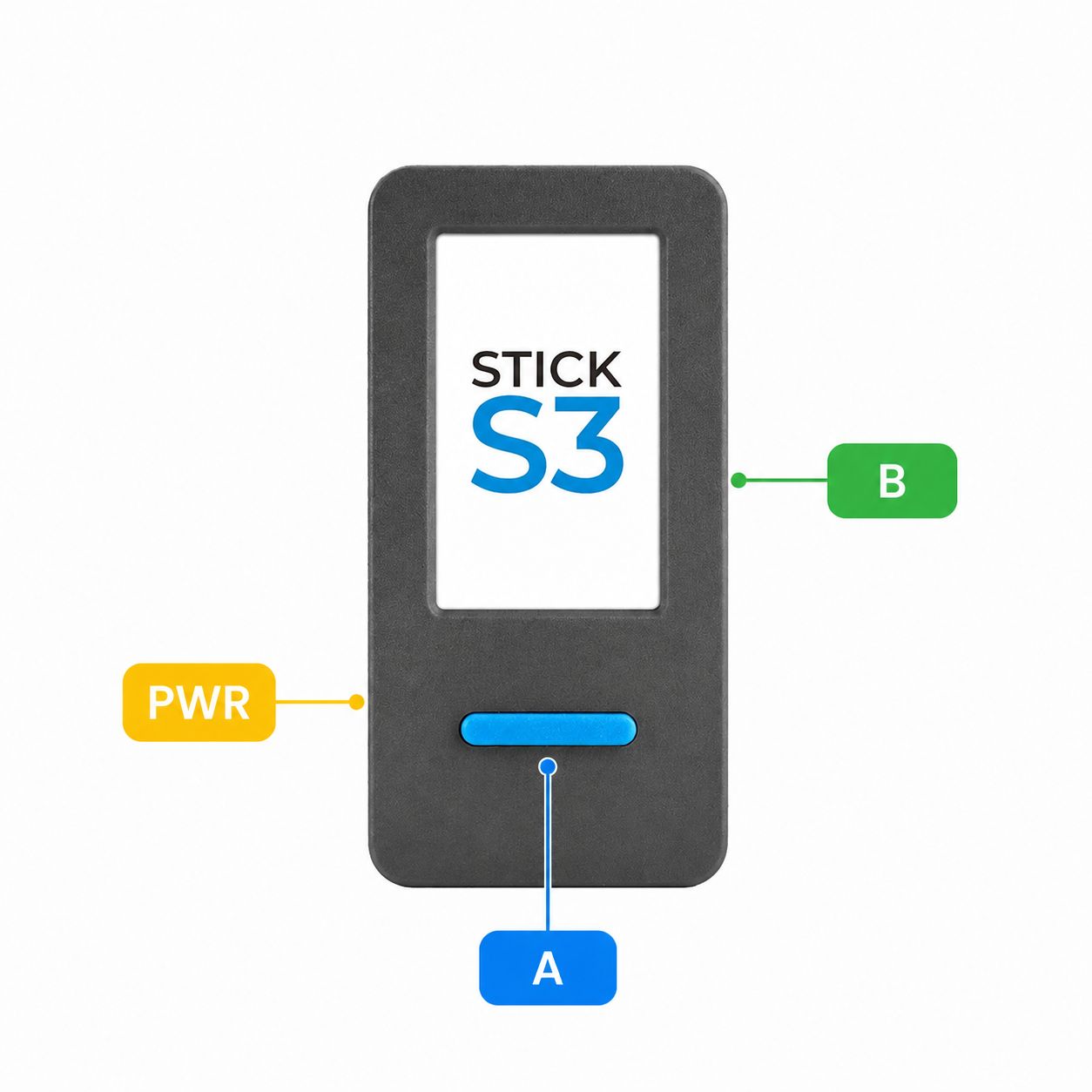
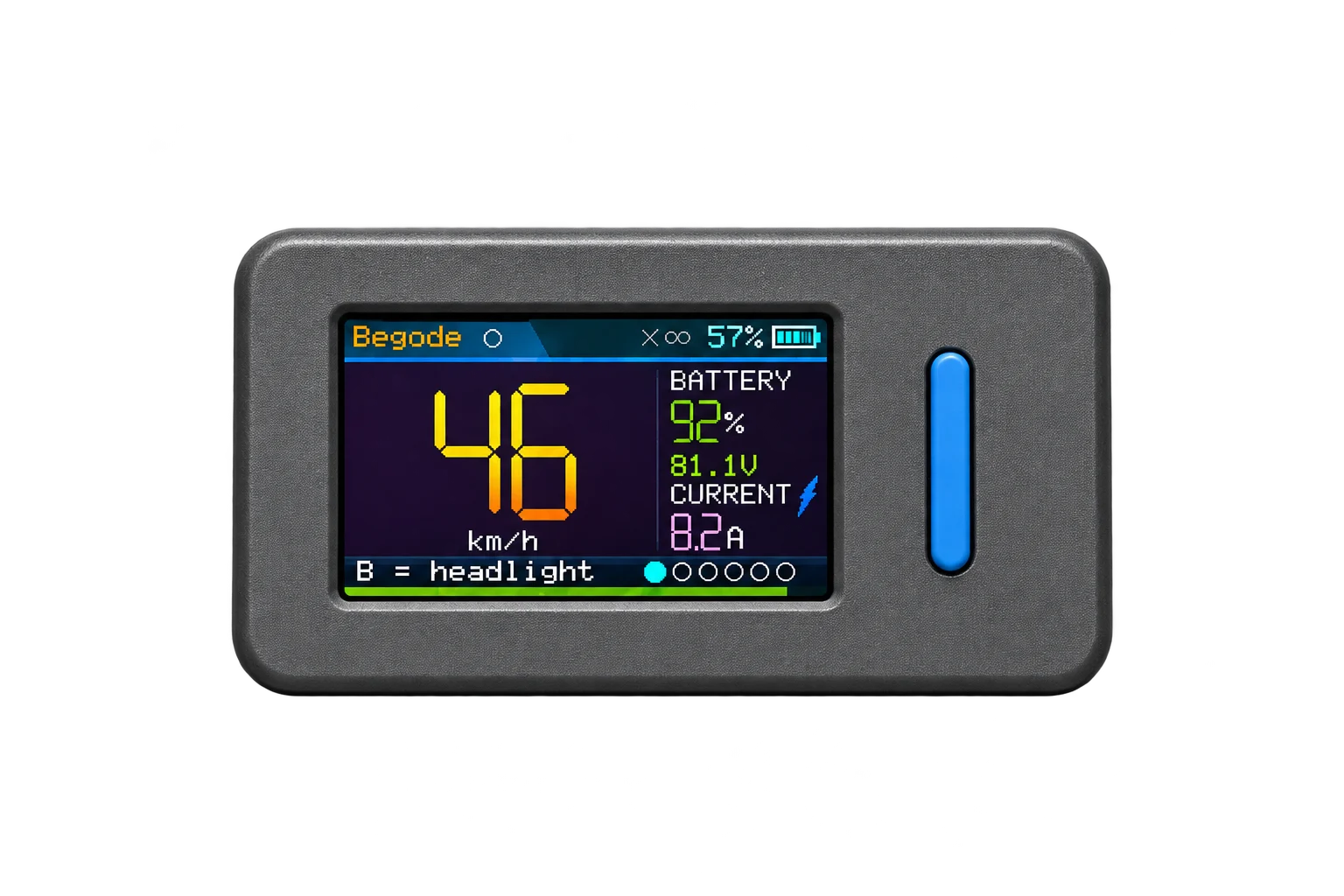
Compact M5Stick-S3 with a blue button
48 mm

M5Stick-S3

The compact original. Everything fits in one little stick, with the battery already inside.

Why choose it

  • Comes preassembled — no battery fitting.
  • Small and easy to carry.
  • Built-in speaker and infrared buddy link.

Things to consider

  • Smaller 240 × 135 display.
  • Fixed 250 mAh battery capacity.

No assembly needed. Just connect it by USB to install EucBuddy. Preassembled hardware still needs its licence and firmware.

Our affiliate link supports development at no extra cost to you. You can also buy your Stick elsewhere.
Larger display · easy assembly
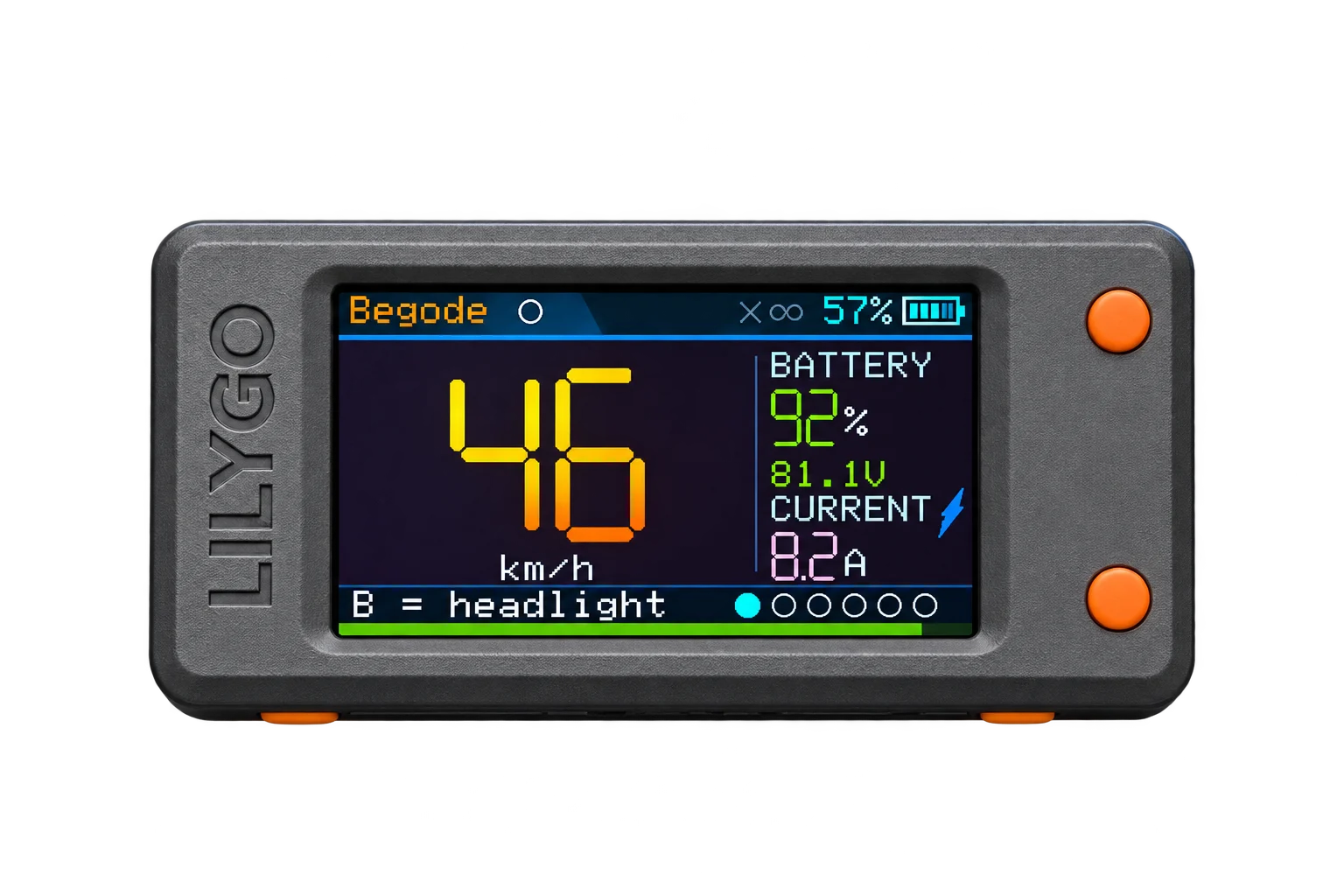
LilyGO T-Display-S3 with two orange buttons and a larger display
70 mm

LilyGO T-Display-S3

A wider view of your wheel. Get the device and a compatible battery separately, then put them together.

Why choose it

  • Larger 320 × 170 display.
  • Bigger battery that will last much longer.
  • The same EucBuddy ride features.

Things to consider

  • Battery bought and fitted separately.
  • No battery management IC — battery readout can be less accurate.
  • Visual alerts; no built-in speaker or IR buddy link.

Two screws. One plug. Easy! Open the case, plug in the battery, and close it up. Then you're ready to install EucBuddy.

Optional · Charge control

Stop charging at the level you choose.

EucBuddy can watch your wheel while it charges and switch the charger off at the battery level, voltage or time you set, so the pack doesn't sit at 100 % unless you want it to. It does this through a Wi-Fi smart plug that powers the charger.

The plug is bought separately. It isn't included with either device, and you only need it for charge control.

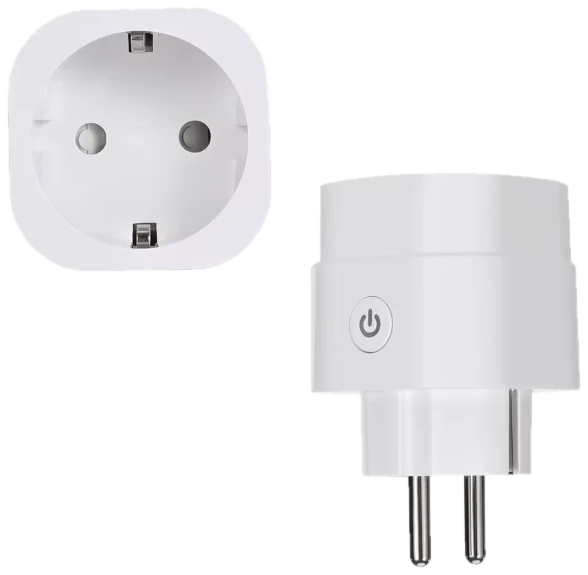
A white Tasmota smart plug for EU (Schuko) sockets, seen from the front and from the side

What the plug needs

  • Tasmota firmware

    Any Tasmota plug will do. EucBuddy talks to it over your home network with Tasmota's own local web API: no cloud, no account. Leave the Tasmota web password off, and put the plug on the same 2.4 GHz Wi-Fi as EucBuddy.

  • A power monitor

    It must measure power, voltage and current, often sold as "energy monitoring". EucBuddy reads them to see the charger at work, and works out the charge current from them when the wheel doesn't report it. A plug without a monitor can only switch.

  • Calibrated readings

    Plugs often arrive uncalibrated: our own test plug read 33 V on a 230 V socket. Wrong readings mean a wrong charge current and wrong decisions. Calibrate once with a known load in the plug's Tasmota console (VoltageSet, CurrentSet, PowerSet); EucBuddy's WiFi panel warns you when the readings don't add up.

This plug comes with Tasmota and a power monitor, for EU (Schuko) sockets. Calibrate it too, as above. Elsewhere, any Tasmota plug with a power monitor for your sockets will do. Our affiliate link supports development at no extra cost to you.

Where we're headed

One day: open the box, clip it on, ride.

Our dream is the simplest one there is — a ready-to-use, preprogrammed EucBuddy bundle: charged, flashed, and ready to pair, shipped worldwide. No setup, no fuss.

We're actively building toward that, including a proper online store and checkout. It's coming — we just want to get it right rather than rush it. Until then, getting your own EucBuddy is only a couple of friendly steps away. 👇

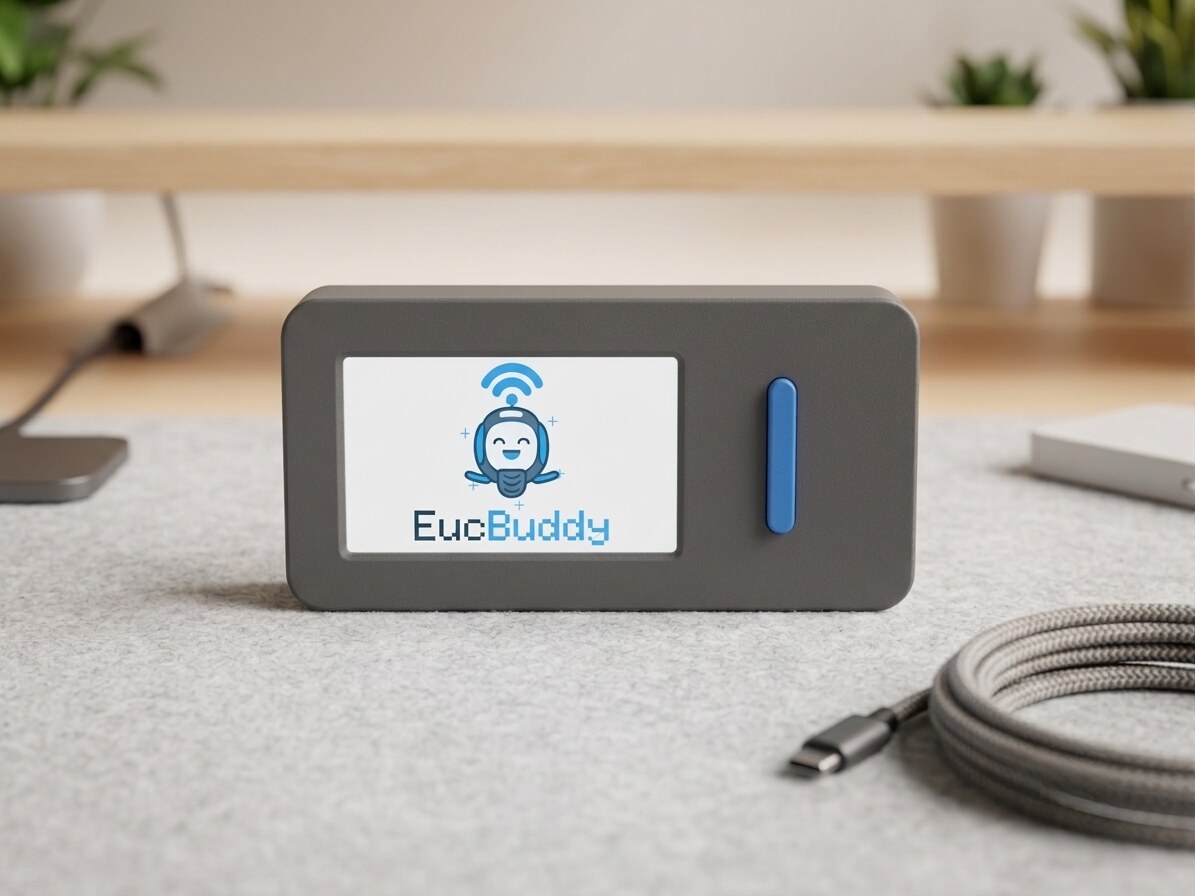
An EucBuddy on a desk, showing the EucBuddy splash screen

The goal: this, in a box, ready to ride.

The M5Stick-S3 — the small device EucBuddy runs on

The M5Stick-S3 — pocket-sized, USB-C, and all you need.

The hardware

The compact original

No phone, no app, no cables while you ride. The M5Stick-S3 is a self-contained little computer with a bright screen and a battery — EucBuddy turns it into a standalone dashboard for your Begode, KingSong, Leaperkim/Veteran, InMotion or Nosfet wheel. Get the stick, flash it once, and you're set for good.

Questions? We're friendly. 👋

Not sure which path is yours, or just want to chat wheels? Come say hello — we read everything.

Find us on Facebook

AliExpress opens in a new tab, so this page stays open for your licence and the flasher.