ESP32-S3 · BLE dashboard

Your EUC, in your pocket.

EucBuddy is a tiny, standalone Bluetooth dashboard for Begode, KingSong, Leaperkim/Veteran, InMotion and Nosfet electric unicycles. It runs on a dedicated IoT device — no phone, no app, no cables while you ride.

10 Hz live telemetry No phone, no app Now on two boards

M5Stick-S3 + LilyGO T-Display-S3. Explore the hardware →

Follow on Facebook Build updates & community
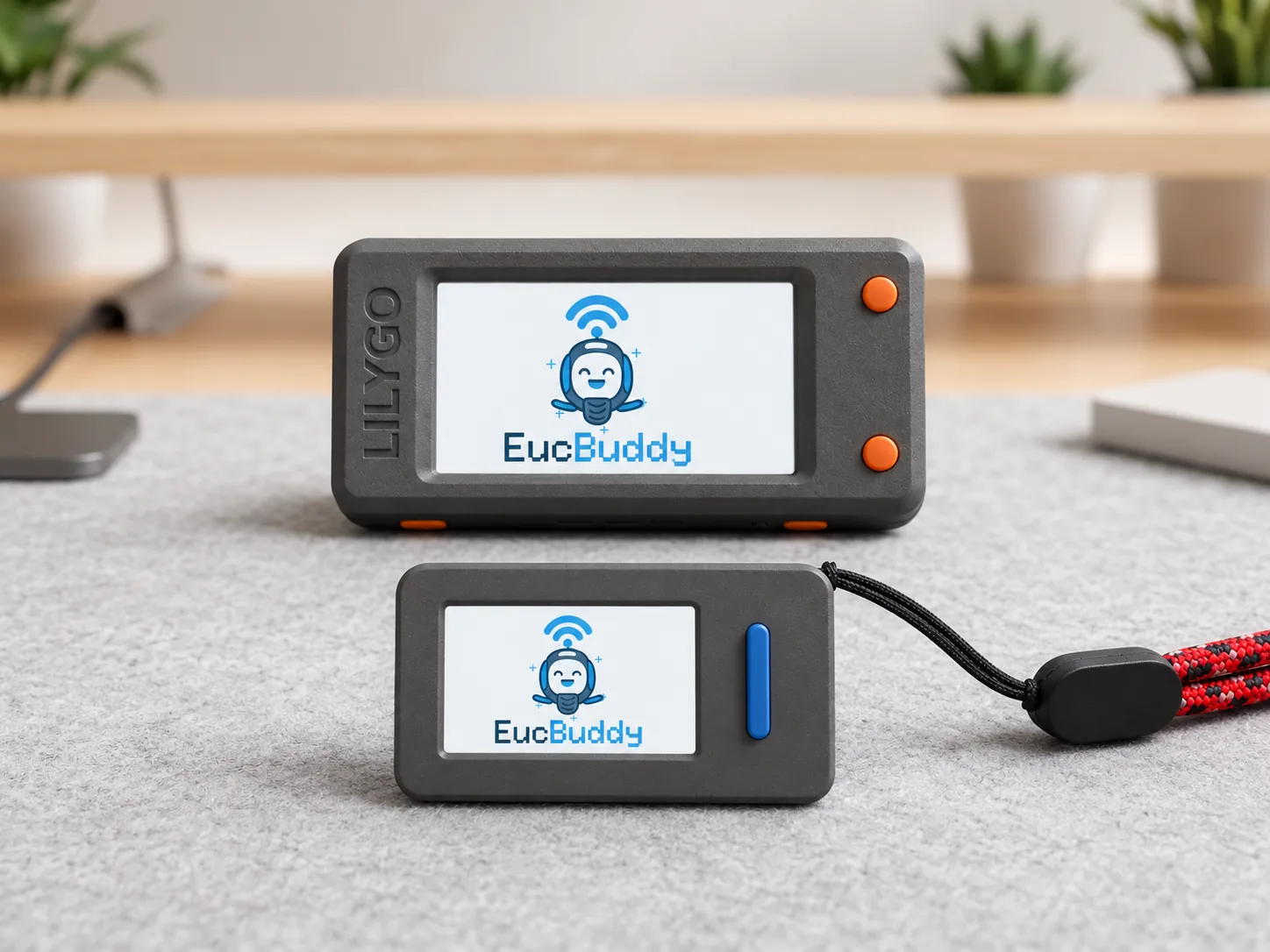
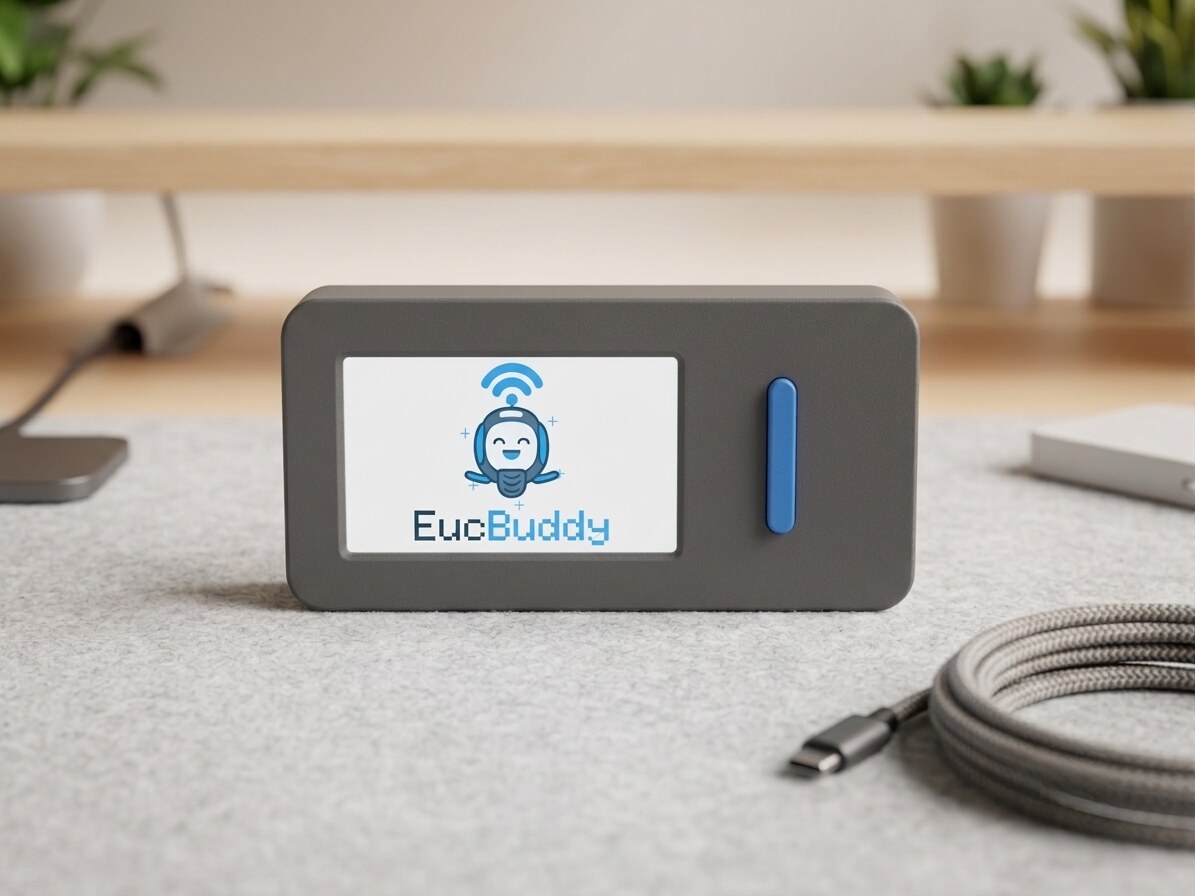
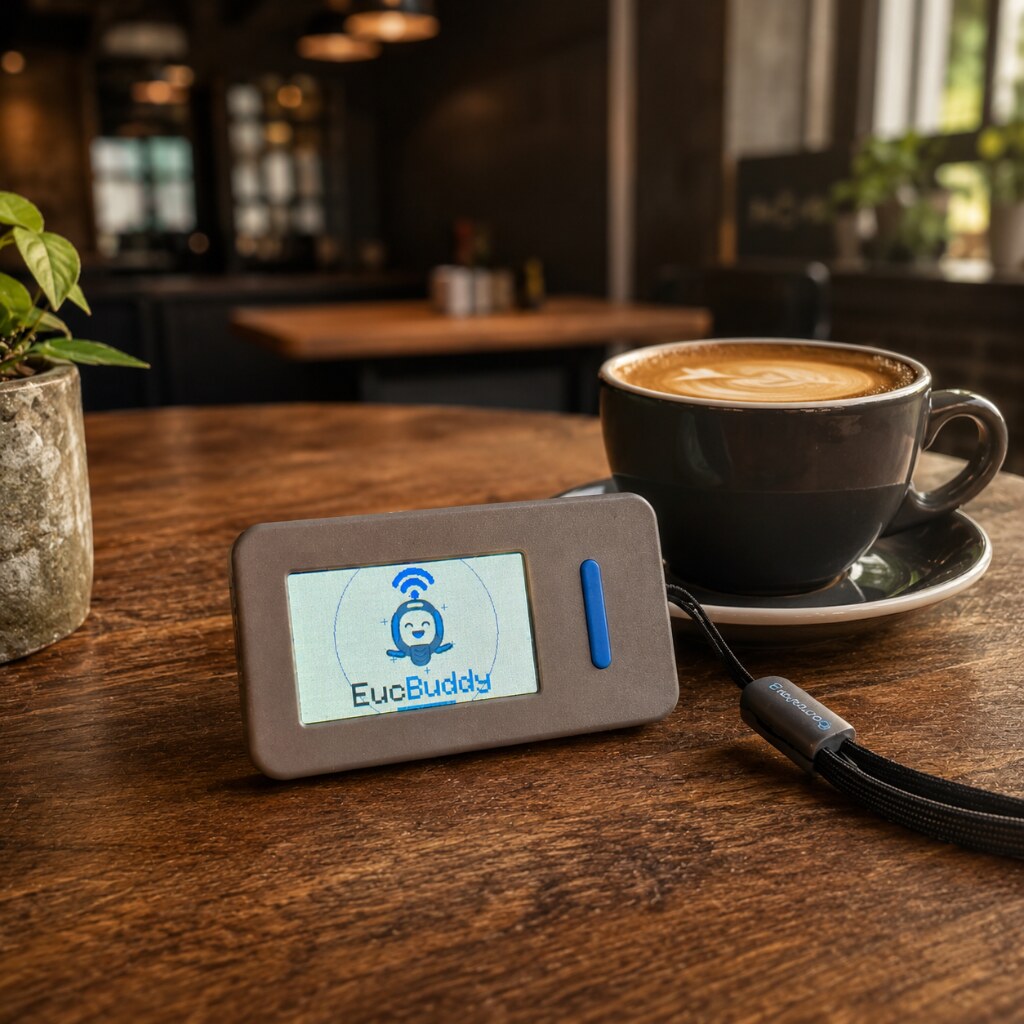
Two EucBuddy devices on a desk: a LilyGO T-Display-S3 and a compact M5Stick-S3 on a lanyard, both showing the EucBuddy splash screen with the BLE-waved mascot

Supported wheels

Read your wheel.

EucBuddy pairs with your wheel in seconds and decodes the live telemetry in real time. It sends the small protocol requests needed for telemetry and supported light toggles.

01

BLE telemetry

Listens to Begode and Leaperkim/Veteran streams, starts KingSong streams safely, and polls classic InMotion plus InMotion V2 telemetry. No pairing code, no setup, no account.

02

Multi-vendor decoders

Auto-detects Begode, KingSong, Leaperkim/Veteran, both InMotion paths and Nosfet, then decodes each protocol with WheelLog-matched scaling.

03

Always-on, low-fuss

Auto-sleep, persistent trip, last-wheel memory and a clean two-button interface.

Ride screens

Your wheel, at a glance.

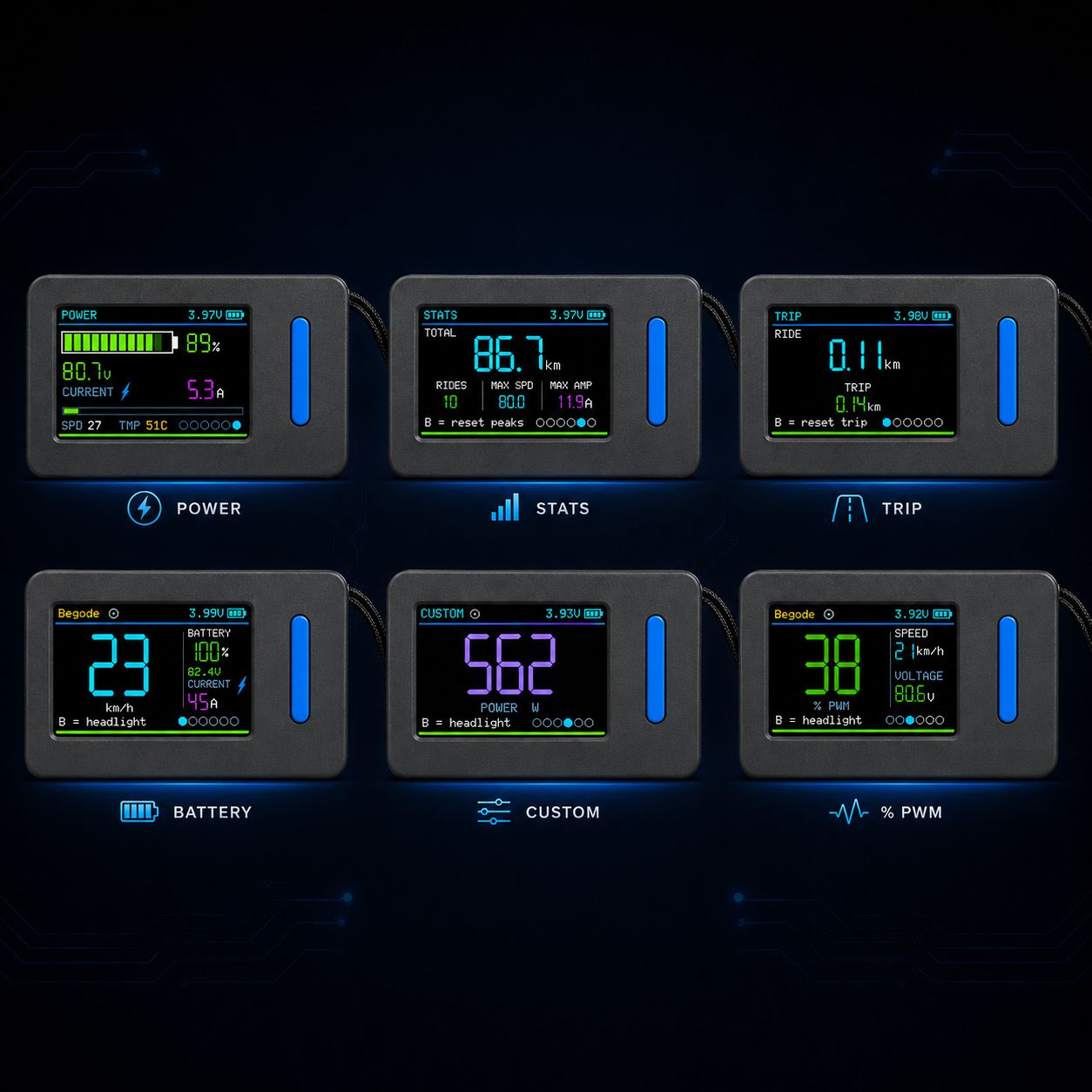
Six focused dashboards keep the ride readable on a tiny screen: speed, battery, PWM, power, trip, stats and a custom hero value. Short, sharp, live at 10 Hz.

10 Hz refresh 6 ride screens 1 button to flip views
EucBuddy dashboards — live telemetry from your electric unicycle on a compact colour display
  • Dashboard

    Speed, vendor, battery, voltage and current in one clean home screen.

  • PWM

    Motor load at a glance, with clear green, yellow and red thresholds.

  • Power

    Battery bar, voltage, current, temperature and speed for heavy climbs.

  • Trip

    Current ride distance plus a resettable counter that survives wheel changes.

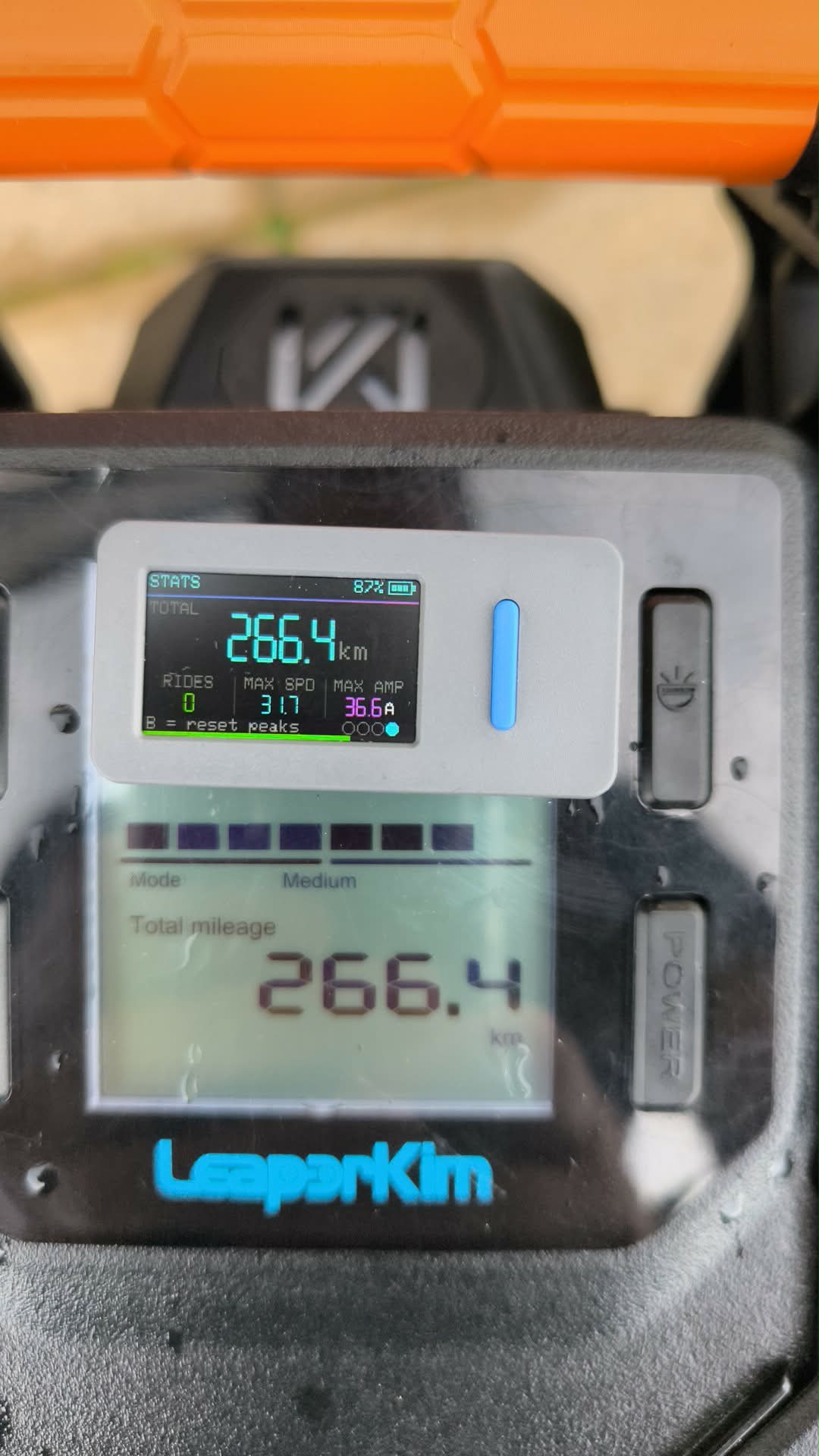
  • Stats

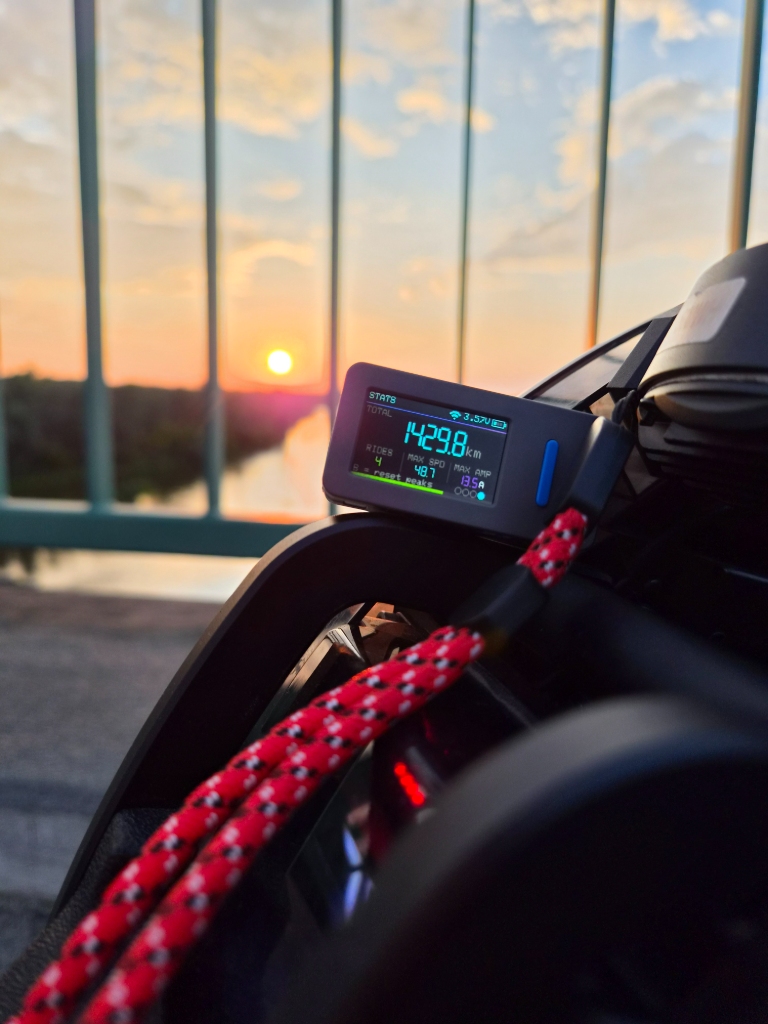
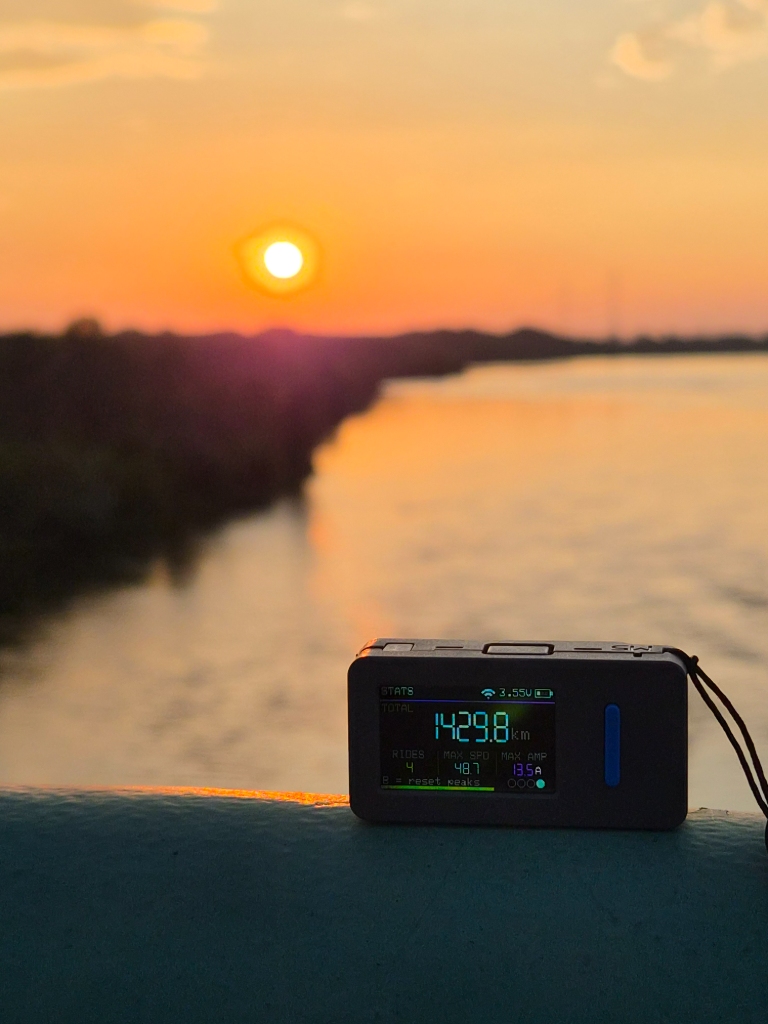
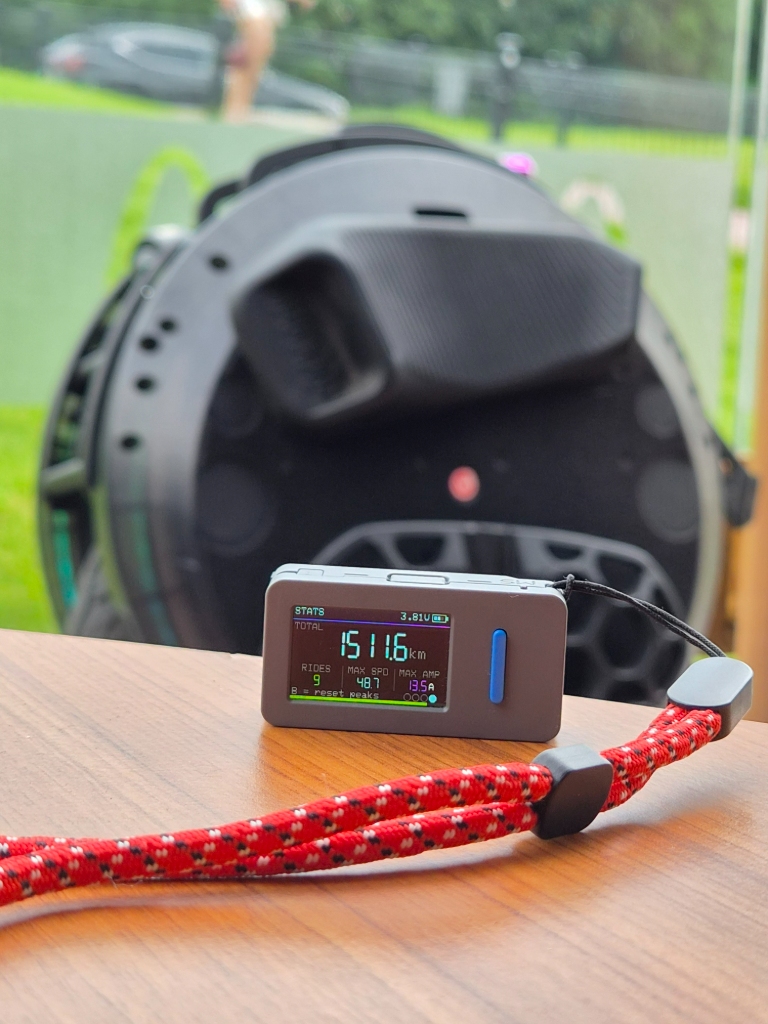
    Lifetime kilometres, ride count, top speed and peak current.

  • Custom

    Pin one telemetry value as a big, single-purpose readout.

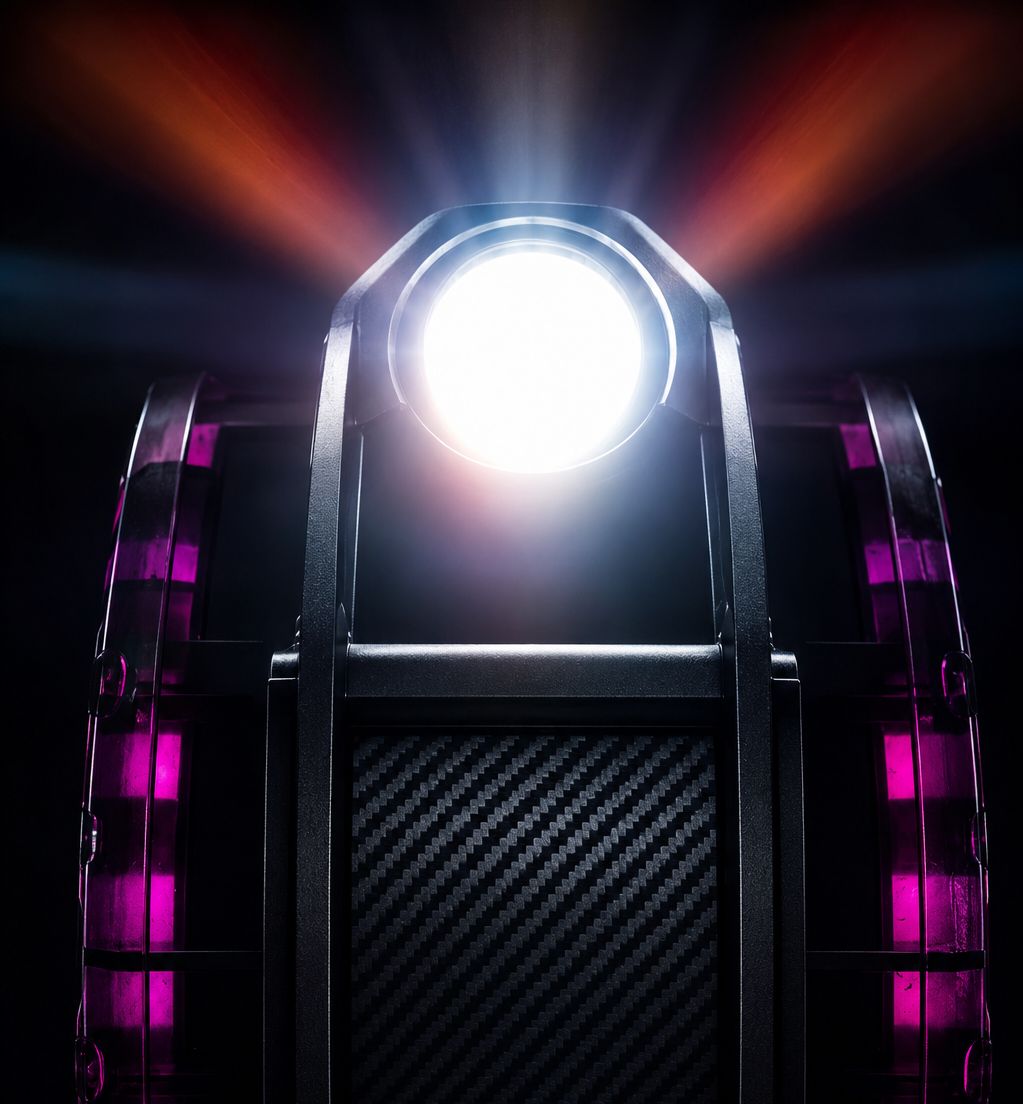
EUC headlight beam at night — toggled from the EucBuddy Dashboard screen

Headlight at your fingertip.

On Begode, KingSong, Leaperkim/Veteran and InMotion wheels (classic + V2), tap the B button on the live Dashboard screen to toggle the headlight on and off — no need to dig through menus, no need to pull over.

B-toggle on Dashboard
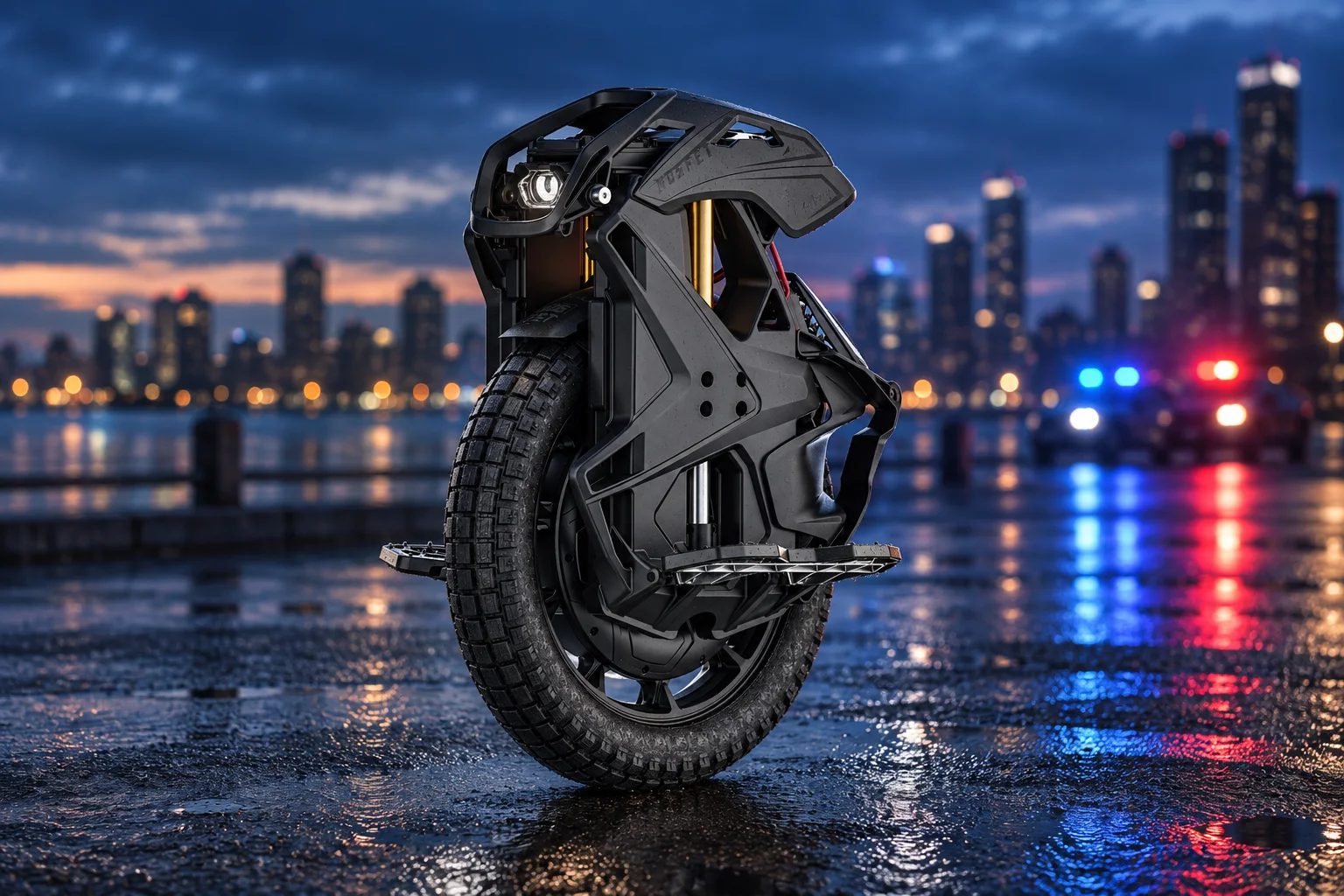
Black suspension electric unicycle on wet pavement at dusk, with blurred blue and red police lights in the background

Your pace. One button.

Make room for a slower ride. EucBuddy lets you set a temporary speed limit on your wheel and switch it on or off with a button — your chosen pace, close at hand.

Changes take effect once you're stopped. When you turn the limiter off, EucBuddy restores your wheel's original settings.

Hold B · Speed limiter

For supported Begode, KingSong, Leaperkim/Veteran and Nosfet wheels. See the manual for setup and compatibility →

Two boards. One EucBuddy.

EucBuddy now supports M5Stick-S3 and LilyGO T-Display-S3. The same wheel telemetry, ride history and MyBuddy companion, with a compact stick or a larger display. Each has its own firmware build, with features adapted to the hardware.

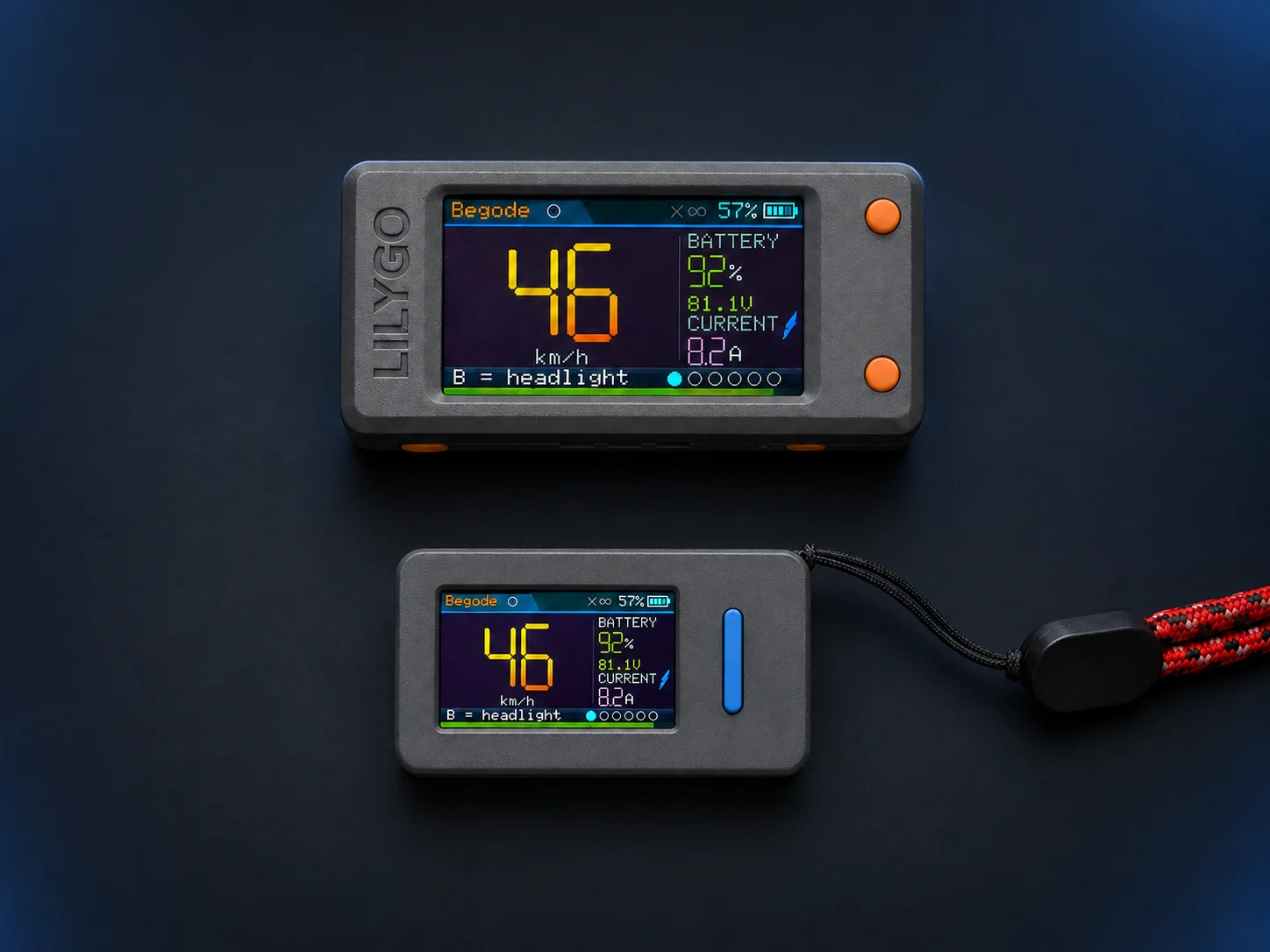
Two EucBuddy dashboards: larger LilyGO T-Display-S3 above, compact M5Stick-S3 below, both showing the same ride telemetry
T-Display-S3 above · M5Stick-S3 below.
Example enclosures shown; T-Display-S3 needs its own case and battery.
The differences at a glance
FeatureM5Stick-S3LilyGO
T-Display-S3
FormatCompact, self-contained stickLarger display for a custom build
Display240 × 135320 × 170
Battery250 mAh built inChoose your own LiPo
AlertsSound + visualVisual; optional add-on buzzer
IR buddy linkBuilt inNot built in
ExperienceSame wheel telemetry, ride history and MyBuddy. Two-button controls on both.
SupportFully supportedFully supported

More boards ahead. Two devices are the start. We want to bring the same EucBuddy experience to more displays and form factors. Future models and release dates are still to be decided.

Explore the full hardware specifications

M5Stick-S3 · compact and self-contained

BoardM5Stack M5Stick-S3
SoCESP32-S3-PICO-1-N8R8 · dual-core Xtensa LX7, up to 240 MHz
Memory8 MB Flash · 8 MB PSRAM (not enabled in the current firmware)
Connectivity2.4 GHz Wi-Fi + Bluetooth LE
Display1.14" IPS · ST7789P3 · 240 × 135 (landscape)
Audio codecES8311 · 24-bit, I²S
Audio I/OMEMS microphone (65 dB SNR) + 1 W speaker (AW8737)
InfraredIntegrated IR transmitter + IR receiver
Battery250 mAh Li-ion · USB-C 5 V charging
Size / weight48 × 24 × 15 mm · 20 g
MountingMagnetic back design
BLE stackBluedroid over ESP-IDF
Supported wheelsBegode (Gotway) · KingSong · Leaperkim/Veteran · InMotion classic + V2 · Nosfet

LilyGO T-Display-S3 · a larger canvas

BoardLilyGO T-Display-S3
SoCESP32-S3R8 · dual-core Xtensa LX7, up to 240 MHz
Memory16 MB Flash · 8 MB PSRAM enabled
Connectivity2.4 GHz Wi-Fi + Bluetooth LE
DisplayST7789V · 320 × 170 (landscape)
ControlsTwo-button interface
PowerUSB-C · external single-cell LiPo battery support
Enclosure / mountingCustom enclosure and mount needed
AlertsVisual alerts · optional external buzzer with a custom build
InfraredNo built-in IR buddy link
Supported wheelsSame wheel protocols as M5Stick-S3
SupportFully supported · browser firmware updates

Meet MyBuddy

A tiny virtual pet that lives on your dashboard and grows on the kilometres you ride. Every ride feeds it — press B to give it a little love.

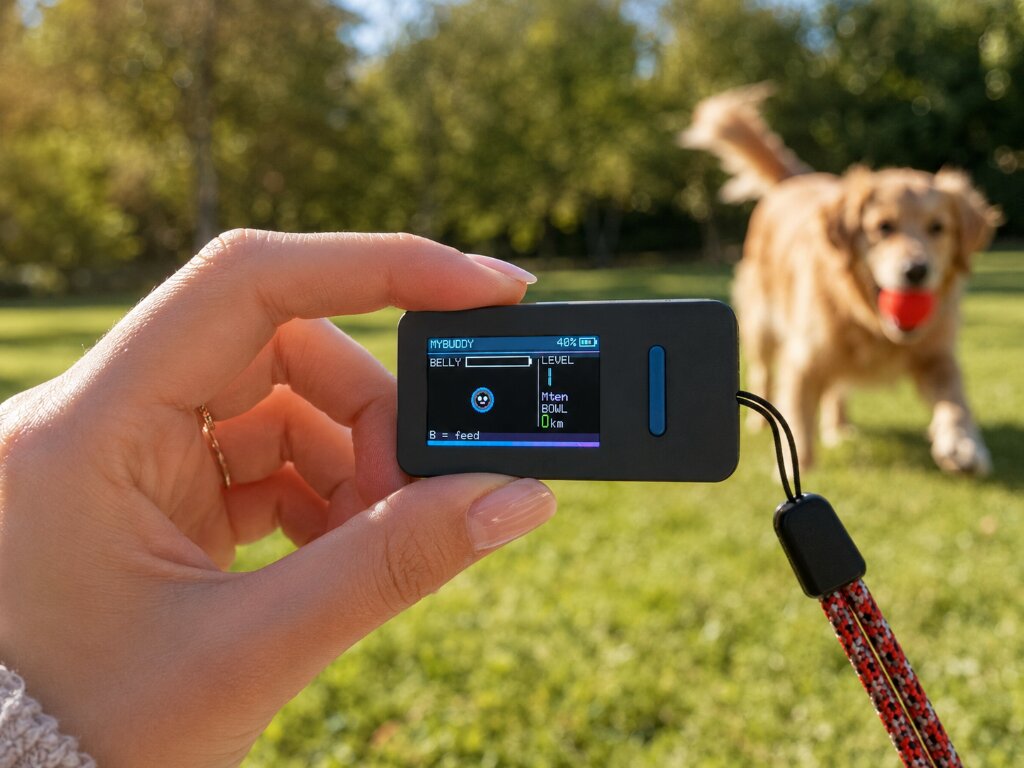
MyBuddy on the dashboard during a ride — Mten, level 1, bowl empty

Out in the wild. MyBuddy comes with you on every ride — the dashboard stays out of the way, the buddy stays with you.

Level 1 Mten

A growing companion for every ride.

How it works

Ride → Bowl → Belly → Grow

Every full kilometre you ride drops into MyBuddy's bowl. Press the B button on the device to feed 1 km from the bowl into its belly. As the belly fills, your buddy levels up and grows bigger — a steady companion that keeps you company on longer and longer trips.

The climb

Each level is harder than the last

There are several levels to reach, and each one takes more effort than the previous. No matter how far along you are, your buddy is right there on the dashboard with you — growing bigger as you go.

Always with you

Lives in its own memory

MyBuddy has its own NVS namespace on the device — independent of the wheel you connect. Switch between Begode, KingSong, Leaperkim/Veteran, InMotion and Nosfet, factory-reset the wheel stats, change batteries: your buddy and its growth stay right where you left them.

Feedback

It talks back

Press B and it smiles and chirps. When the bowl is empty it gives a sad little beep to let you know it's hungry. Hit a new level and it plays a short fanfare to celebrate.

MyBuddy · off-duty adventures

Little buddy. Big adventure.

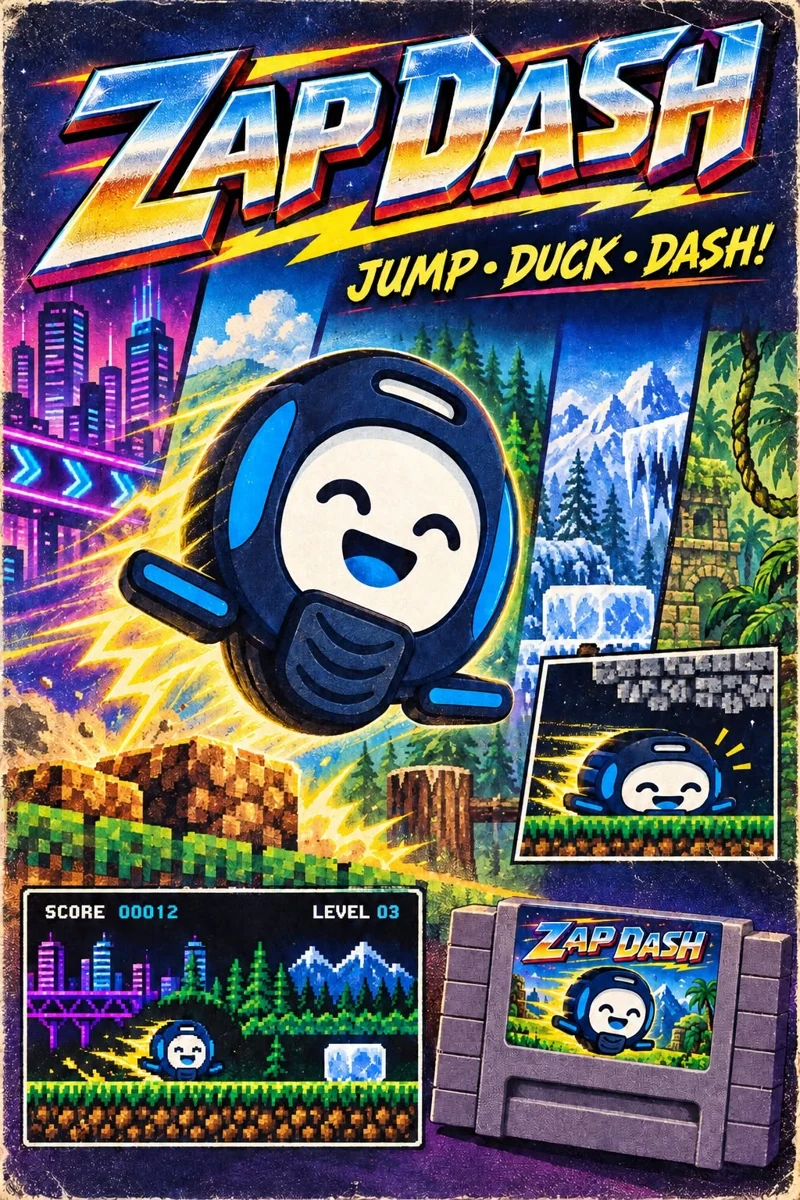
Meet Zap Dash, MyBuddy’s pocket-sized arcade game. Jump, duck and dash through multiple levels. Complete a level on your EucBuddy to earn one free zap for your buddy’s bowl. Feed it to your buddy and level up to jump higher, duck longer and become more agile. Discover all levels. Share your score with friends!

Zap Dash arcade artwork: a smiling wheel buddy exploring neon cities, forests and mountains
Your next coffee-break challenge

One more run?

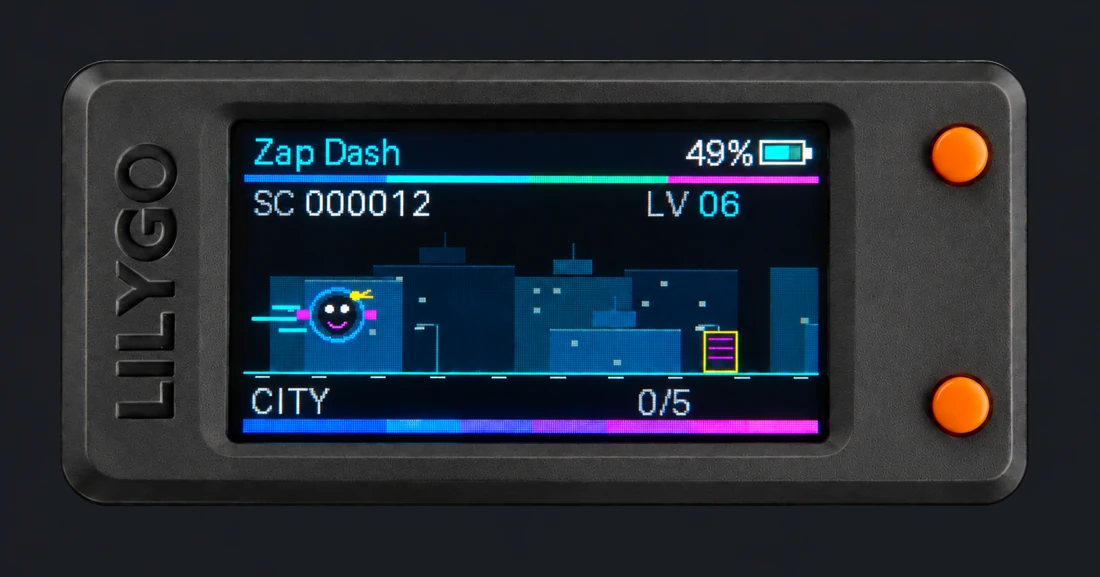
A city full of neon. A tiny buddy with a big jump. Clear the obstacles, chase your best score, and see where the next level takes you.

Zap Dash running on a LilyGO EucBuddy device
From your dashboard to a little arcade.
Jump + duckTwo simple movesLevel upA more agile buddyExploreNew worlds ahead
Try level 1 below Explore the game guide →
Play Zap Dash in your browser

01 / Neon City

Score 00000Cleared 0 / 10Browser best 00000
Play Zap Dash in a browser with canvas support.
MyBuddy presents

Ready to dash?

Jump over barriers. Duck under drones. Clear the city.

Keyboard: Space / B to jump, ↓ / A to duck, Esc to pause. On mobile, tap the buttons. Duck lasts a moment; tap again for the next drone.

A taste of level 1, with a level 1 buddy. Discover the rest on your EucBuddy.

EucBuddy never stops learning.

New wheel protocols, smarter alerts, fresh tricks with every release. Help yours level up — flash the latest firmware in seconds, no toolchain required.

Stable Loading… Development Loading…
Update Your EucBuddy →

Enjoying the ride?

EucBuddy is a passion project, built by riders for riders. If it's made your rides more fun, consider buying us a coffee — every cup keeps the wheels spinning and the updates coming.

Buy Me a Coffee
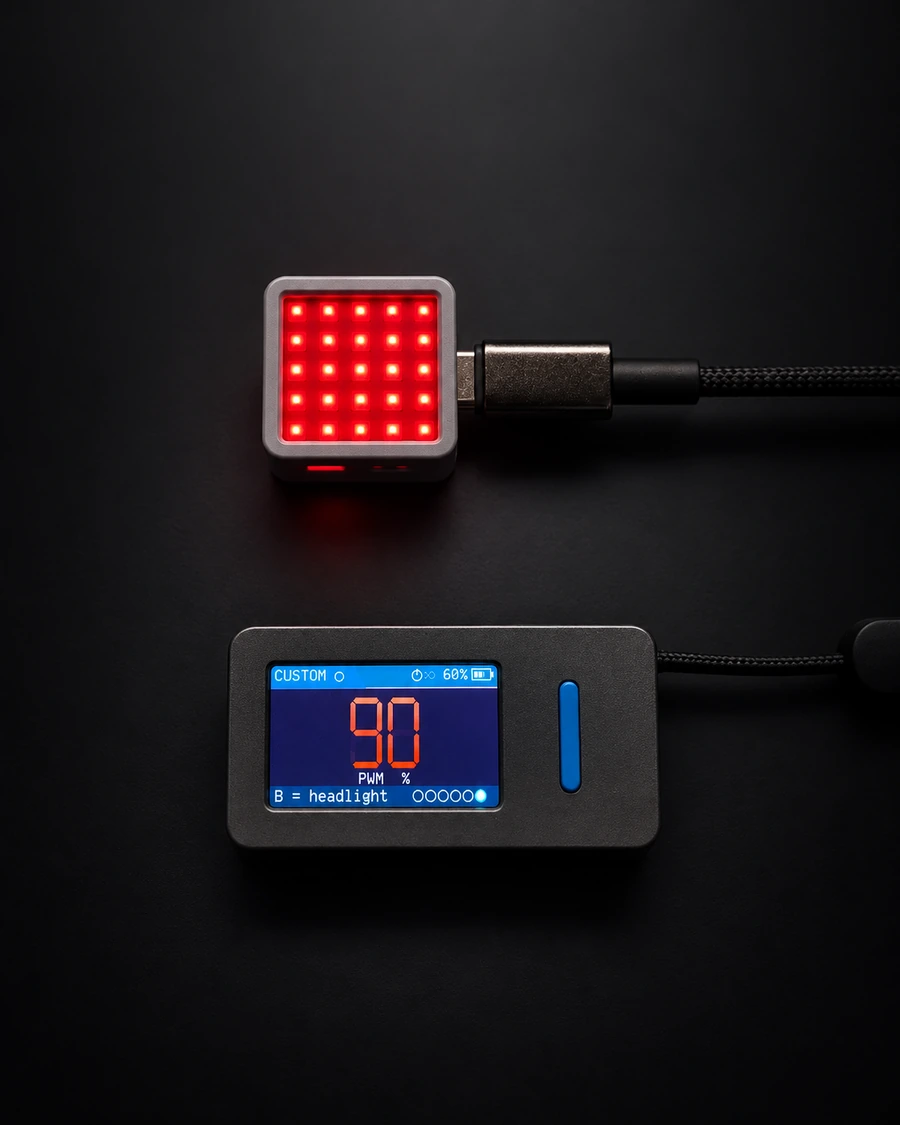
PwmLight's compact 5 by 5 LED matrix glowing red, above an EucBuddy display showing 90 percent PWM
PwmLight above, EucBuddy dashboard below. PwmLight connects directly to the wheel and works independently.
Coming soon

PwmLight

A standalone PWM gauge.
Your wheel's load, in light.

A small, dedicated device that turns your wheel's live PWM into a clear colour display. Built on the M5Stack ATOM Matrix, PwmLight connects directly over Bluetooth and brings a simple visual cue into your peripheral vision.

Power it over USB-C, select your wheel and hold the button to connect. It works on its own, without a phone or an EucBuddy dashboard.

  • Clear colour warnings. Green, yellow and red bands, with double flashes from 90% PWM and rapid flashes from 95%.
  • Three ways to display PWM. A filling bar, full-matrix brightness or a pattern growing from the centre. One tap changes modes; your last choice is remembered.
  • Honest about missing data. A yellow question mark shows when PWM is unavailable. The connection stays open, ready for readings to return.

In development · USB-C powered · Reads hardware PWM from Begode/Gotway, Leaperkim/Veteran, Nosfet and InMotion V2 wheels. KingSong and older InMotion wheels do not report hardware PWM. Availability and final compatibility are coming soon.